WWE has announced that the WWE App now has live match result notifications for Raw, Smackdown and PPVs. The feature is now live in the App via the latest update. The description of how to activate it is below:
The process for enabling show results differs slightly for iOS and Android devices. However, each can be easily modified by following the step-by-step directions listed below.
For Android devices:
Click on the more options menu (represented by three dots) in the top right corner of the WWE App.
In the menu that appears, click Settings.
In the Settings menu, click on My Notifications.
In the My Notifications submenu, find the row for Show Results. Then just click on the button to the right. If it’s green, the notifications for show results are enabled. If it’s not, you won’t receive show result notifications.
For iOS devices:
Click on the menu button (represented by three horizontal lines) in the top left corner of the WWE App.
In the menu that appears, click Settings.
In the Settings menu, click on My Notifications.
In the My Notifications submenu, find the row for Show Results. Then, just click on the button to the right. If it’s green, the notifications for show results are enabled. If it’s not, you won’t receive show result notifications.
100% LINK (PHOTOS): Torrie Wilson & Alex Rodriguez On A Date!!!
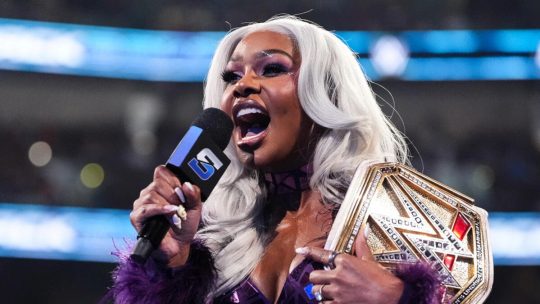 Jade Cargill & Rhea Ripley Engaged In Online Feud That Turned Heated Over Cargill’s Claims Ripley Politics To Get Her Pushes, Others Join In & Cargill Reportedly Dealing with Backstage Heat
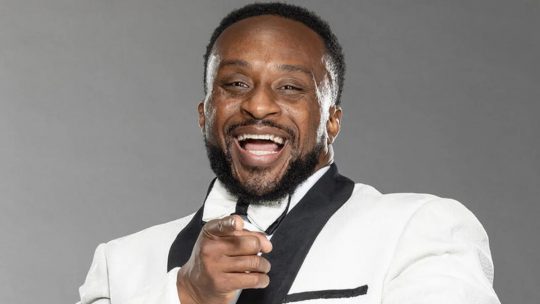 WWE: Big E Says He’s Not Interested in WWE Commentary Role Right Now, A&E & WWE Announces New Seasons Of WWE LFG, Biography: WWE Legends & WWE’s Greatest Moments, WWE Reportedly “Pleasantly Surprised’ by Danhausen’s Early Merchandise Sales
 Warner Bros Discovery Announces AEW Programming Schedule for This March – Collision Slam Dunk Special Set for March 21-22, Zero Hour Pre-Show Set for Revolution 2026