WWE has announced that the WWE App now has live match result notifications for Raw, Smackdown and PPVs. The feature is now live in the App via the latest update. The description of how to activate it is below:
The process for enabling show results differs slightly for iOS and Android devices. However, each can be easily modified by following the step-by-step directions listed below.
For Android devices:
Click on the more options menu (represented by three dots) in the top right corner of the WWE App.
In the menu that appears, click Settings.
In the Settings menu, click on My Notifications.
In the My Notifications submenu, find the row for Show Results. Then just click on the button to the right. If it’s green, the notifications for show results are enabled. If it’s not, you won’t receive show result notifications.
For iOS devices:
Click on the menu button (represented by three horizontal lines) in the top left corner of the WWE App.
In the menu that appears, click Settings.
In the Settings menu, click on My Notifications.
In the My Notifications submenu, find the row for Show Results. Then, just click on the button to the right. If it’s green, the notifications for show results are enabled. If it’s not, you won’t receive show result notifications.
100% LINK (PHOTOS): Torrie Wilson & Alex Rodriguez On A Date!!!
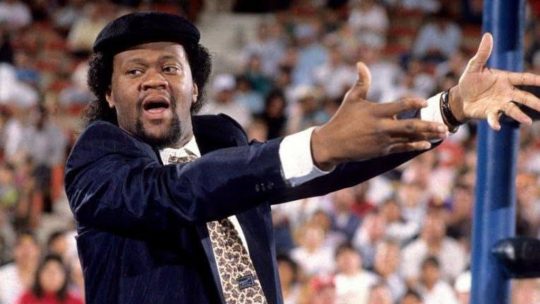 Former WWE Manager Slick’s Heart Attack and Open-Heart Surgery Update – Slick Discharged From Hospital & Recovering At Home
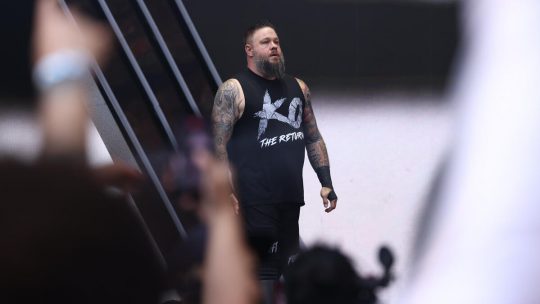 Kevin Owens Suffers Potential Knee Injury at 8/30 WWE Live Event in North Charleston, SC
 WWE: Shawn Michaels on Why He Doesn’t Want WWE NXT To Be RAW or SmackDown “Lite”, Cruz Montana on Biggest Difference He’s Noticed Working For WWE, New Trademark, AAA Ola de Calor & NXT Heatwave 2026 Ticket Sales Update